Showing posts with label safe. Show all posts

Sunday, November 30, 2014

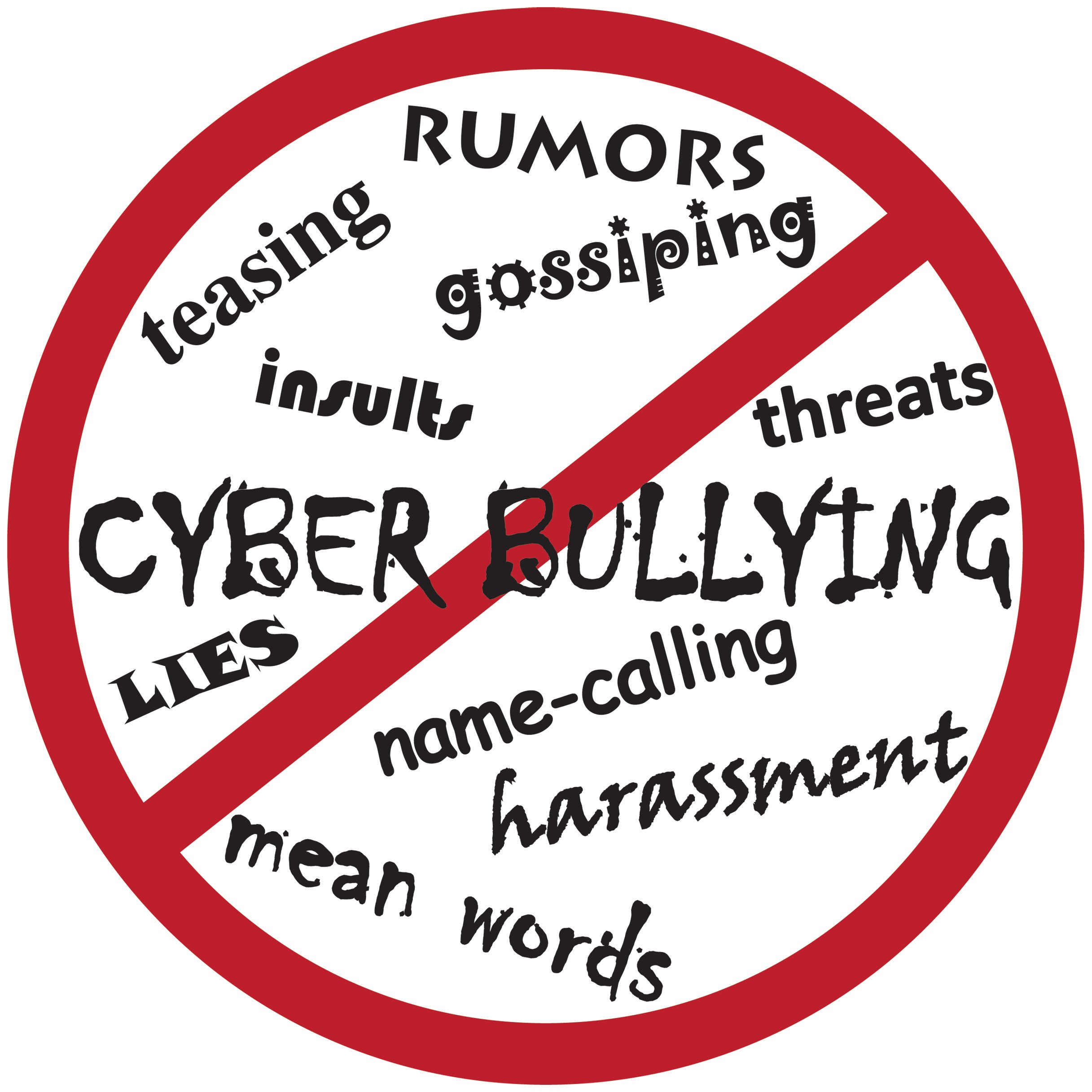
Tips to a Friend being CyberBullied


Cyberbullying is a major issue in the world today. With all the new social media sites being created with thousands of people making accounts, there's bound to be some cyberbullying going on. However, you can help someone being cyberbullied. I am going to give you a couple of things to go by if you or a friend is being cyberbullied:
  1. The first thing you should automatically do if you or a friend is being cyberbullied is to tell someone. I know that seems like tattle tailing but you telling someone about it could get the cyberbully in a lot of troble which is not a bad thing. You're doing the right thing by informing someone.
  2. Talk to someone about it. It never hurts to talk to someone who can help you and give you advice.
  3. Report/Block the person for cyberbullying. Yes you ca do that and I believe you can do it anonymously. Reporting the bully can result in their account being deleted or even banned so they can't bully anyone else.
  4. Stand up for yourself. I kow that is a lot easier than done but, you standing up for yourself shows the bully that you aren't afraid of them of them and might even make them back off.
  5. Log off your account, shut down your computer, walk away, and get help and advice. It is so much easier to log off your account and delete it than it is to keep going and possibly hurting yourself.
In conclusion, if you are being cyberbullied, there are so many things you can do to stop the bullying and save yourself from doing something terrible. Just remember someone is ALWAYS willing to help!
Photo sites: http://cdn2.hubspot.net/hub/176530/file-18530001-jpg/images/cyberbullying.jpg
http://lh6.ggpht.com/tGSPhsDAMozghyRdppzDeghcMCakvE7L2B5qXnhh9LN2_rk83RXbwynpaJLF90pE55qnAdpAK-HbrZOzth9WmK9h=s0

Safety of Personal Information Online

Your Personal information is a big deal and it shouldn't be something you give out to just anyone. You never know who you are deaaling with on the internet when it comes to anyting you do on there. I was curious as to how you can keep your personal information private and secure on the internet. So what does anyone who needs to find something out do? You guessed it,  went to google and did some research. I read an article on keepin your personal information secure. It listed some good tips. In a summary of the article, it said in 2012 more than 16 million individuals were victums of Identity Theft because those people didn't secure their information. I am now going to summarizes the tips the article listed.
  • Tip #1: Be aware of scammers. They are real people waiting for you to put your information out there. For exampe, if you get a supicious email from a business and you're not sure if its legitimate, close the email, go to the web, search the web address and send customer service an email.
  • Tip #2: Securely Dispose of Your Personal Information. Meaning, shredd any documents with your information and recycle any old electronics. Doing these two things will help you out a lot.
  • Tip #3: Secure Your Browser. When you go to a website and you see "https" the "s" stands for secure. This way all your information on thi site is safe and protected.
  • Tip #4: Keep Your Passwords Private. No matter who it is, DO NOT GIVE YOUR PASSWORD OUT to anyone. Don't use personal information in your password either because tere are some very smart hackers wo can get it easily. Also, mix up your password with numbers, letters, and anthing else it allows you to put in your password.
  • Tip #5: Don't Overshare on Social Media. Go to your privacy sttings on your Facebook or Twitter and set some type of privacy to your page if it contains any type of personal information. Also, NEVER post any personal data on your social media pages such Social Security Number and date of birth. No site is worth losing your identity over.
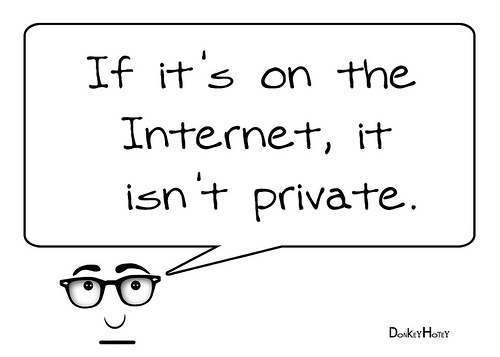
In conclusion, don't put your personal stuff on the internet for everyone to see. Once it's on the internet, there is no going back. It is there to stay. So, be cautious when browsing the internet.
Article: http://www.bbb.org/blog/2014/01/5-tips-for-keeping-your-personal-information-secure-online/
Picture Websites: http://blog.sendblaster.com/wp-content/uploads/5816482161_08d6b95ae7.jpg
http://gallery.mailchimp.com/266f68aaa08a6ca86f07e1985/images/8c7bb403-d189-4950-9ed5-805312175056.bmp

Friday, November 14, 2014

Safety on the Internet

In lesson 2.06, I was introduced to internet safety. However, I was not aware that there weren't any internet safety rules. In my opinion there should be safety rules with all the internet bullying and deaths that occur from it. I don't believe it should be governed but, I believe it should monitored for various reasons. As I stated above for the deaths that occur from cyber bullying. Another reason it should be monnitored is to check for threats towards a person or the country. A lot of illegal things happen on the internet that has happened in the world and possibly could have been prevented if the government knew about it.

Photo Credit: http://senior-learning.wikispaces.com/file/view/lesson4-art.png/278606920/645x363/lesson4-art.png